Reserve with Google Explained: Eligibility, Setup & How Book Now Works
If customers keep finding you on Google but still call or drift off to a website, a Book Now button is the missing step. Here is what Reserve with Google is, who can use it, and how it connects to the booking page you already have.
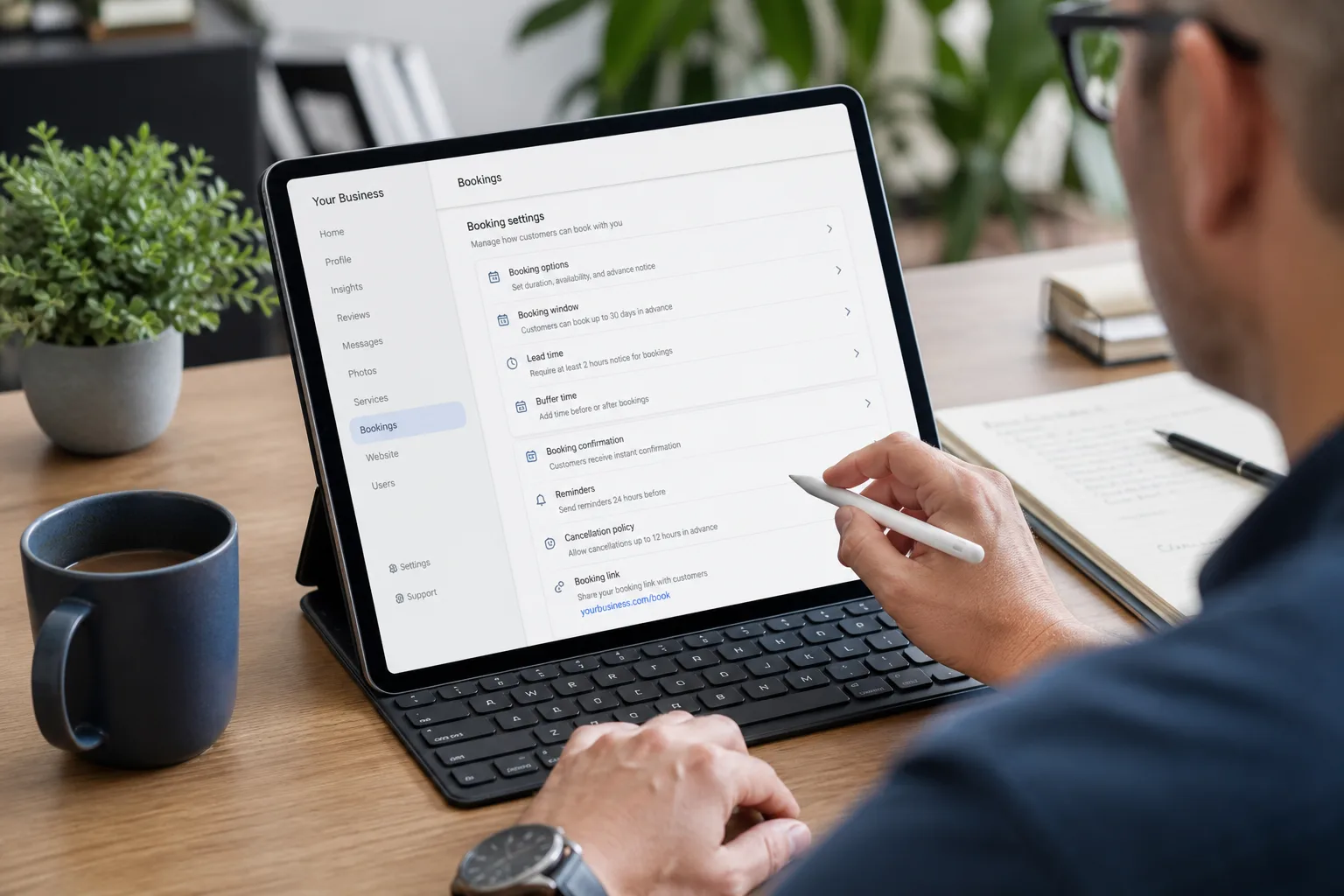
Most appointment-based businesses already get plenty of attention on Google Search and Maps. The gap is what happens next: someone finds you, then has to hunt for a phone number or dig through a website to book. Reserve with Google closes that gap by putting an official Book Now action directly on your Google Business Profile.
What is Reserve with Google?
Reserve with Google is Google's programme for letting customers book appointments straight from Search and Maps. Instead of "Visit website", eligible businesses show a Book Now button in their listing. One tap opens the booking flow, so a high-intent searcher can go from "found you" to "appointment booked" without leaving Google.
Behind the scenes, the button is connected through an approved provider. BookingPage.ai is a registered provider: we link the Book Now action to the booking page URL you already use, so nothing about your day-to-day scheduling changes.
Who is eligible?
Reserve with Google is for appointment-based local businesses. To qualify you generally need:
- A business type in a supported Google category (salons, clinics, trades, fitness studios, professional services, and hundreds more)
- A location in a supported country
- A verified, up-to-date Google Business Profile with a physical business address and accurate name, phone, category, and hours
- A live online booking page URL on your own domain or booking software
- A business email you can verify
Not sure whether your category qualifies? Search your business type on the homepage or browse the category setup guides.
Book Now button vs a plain appointment link
Google Business Profiles can show a simple "appointment link" — an ordinary website link — for almost any business. The Book Now button is different, and it matters:
- Prominence: Book Now is a first-class Google action. It stands out on the listing, especially on mobile where most local searches happen.
- Fewer steps: It takes customers directly into your booking flow instead of dropping them on a homepage to find the booking page themselves.
- Trust: It is an official, native Google booking experience rather than a generic outbound link.
Key takeaway: A website link asks the customer to do the work. A Book Now button does the work for them — and fewer steps means more completed bookings.
How BookingPage.ai sets it up
You do not need new booking software or a developer. The process is designed to be quick:
- Check eligibility — You need a Google Business Profile, a business email, and an existing booking page URL.
- Register free — Complete the form at bookingpage.ai/#register with details that match your Google listing exactly (name, address, phone, category).
- Verify your email — Confirm your business inbox via the link we send.
- We submit to Google — After verification, we request your Book Now action through Reserve with Google.
- Go live — Once Google approves, Book Now appears on your profile, typically within a few days. Clicks open your booking page.
Make sure your profile matches
The most common reason Google delays or declines Book Now is a mismatch between your registration and your Business Profile. Before you register, confirm your name, address, phone, category, and hours are identical on Google and on your website.
What does it cost?
BookingPage.ai is free for most single-location businesses. Free links use a BookingPage.ai redirect; paid plans remove the redirect and branding, and support higher booking volumes and multiple locations. You keep your existing booking system either way.
Is it worth it?
For any business where revenue depends on filled calendar slots, yes. You already earn the Google visibility — Reserve with Google turns that visibility into action. It is one of the highest-leverage, lowest-effort improvements you can make to your local presence, and it keeps your listing ready for how customers increasingly search: quickly, on mobile, and expecting to book on the spot.
Ready to add Book Now to your Google listing?
RegisterFree for most single-location businesses · Works with your existing booking page
← Back to blog · Google AI Overviews guide · Category guides · FAQ